

Side Hustle Finances Made Simpler: 5 Digital Helpers for UK Earners in 2026
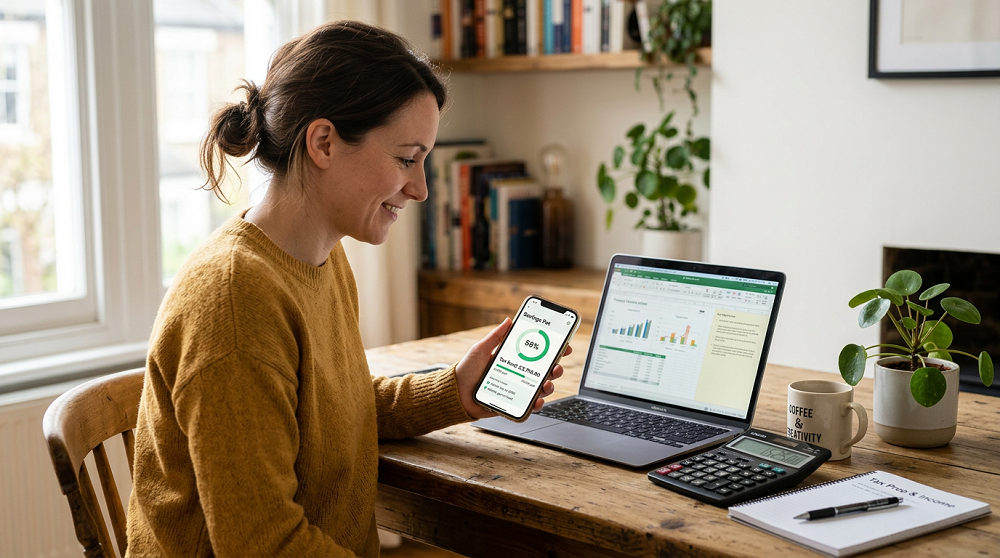
Whether through tutoring in the evenings, freelance projects, a weekend market stall or selling handmade products, plenty of people now bring in extra income alongside a full time job. Side hustles often get going in a small, informal way. Even so, you’ll need to register for Self Assessment and report your income to HMRC once your gross trading income goes above the £1,000 trading allowance in a tax year. There is also a rule, in place since January 2024, requiring certain online platforms to collect information about sellers and, where the reporting rules apply, report sellers’ details and income to HMRC.
Fitting all the admin around a day job is what makes it challenging. Tax becomes a January worry while receipts pile up and payments arrive through different apps. The five digital helpers in this list make side hustle finances simpler, and the first is accounting software built for exactly this kind of income.
1. Sage Sole Trader: Keeping Records and Preparing for Self Assessment
Sage Sole Trader has been designed with self employed people in mind, among them those who run a business alongside a job. Income and expenses live in one place, and because it connects to your bank, transactions come in automatically and get categorised for you. You are not left sorting through statements at the end of the year. Over a lunch break or on the train home, the free mobile app helps you keep on top of things.
For filing, Sage Sole Trader produces an income tax Self Assessment summary, so the figures you need are ready to go. Should your side hustle grow, it matters that the software is designed to work with HMRC and is Making Tax Digital ready. The Sole Trader Free plan includes up to five sales invoices a month and covers the basics for sole traders who are not VAT registered. Unlimited invoices, snap and scan receipt capture and connections to more than one bank account are added on the paid plan.
2. Calendly: Client Bookings That Fit Around Your Day Job
Service based side hustles, from personal training and photography to coaching and tutoring, involve arranging appointments, and doing that around a day job can eat into precious free time. Calendly allows clients to book themselves directly into slots you choose. As a result, the evenings and weekends you offer are only the ones that work for you.
No shows are reduced through automatic reminders and confirmations. At the booking stage you can also ask clients for key details. With fewer messages to exchange, more of your limited time is spent on the paid work itself.
3. SumUp: In Person and Online Card Payments
Face to face sales feature in many side hustles, be it at a client's front door, a pop up stall or a craft fair. Customers can pay by card or contactless wherever you are with SumUp, which provides small, portable card readers that work with your phone.
Through payment links, card payments can be taken online as well. These are handy for custom orders, one off services and deposits. A date and amount accompany each recorded payment, giving you a clear trail of side hustle income in place of cash, which is easy to lose track of.
4. Trello: Order and Job Management at a Glance
Combining a side hustle with a full time job, you can easily lose track of what needs doing next. Trello offers simple boards on which cards move from one column to the next, with stages such as new orders, in progress, ready to send and paid.
Seeing all of it at a glance lets you plan evenings and weekends realistically and spot anything left waiting too long. Jobs delivered but still unpaid are made obvious, so nothing slips through the cracks.
5. Chip: Automatic Savings for the Tax Bill
Unlike income from a job, side hustle income does not have tax taken off automatically, and the tax bill is one of the biggest shocks for people new to side hustling. With Chip, a savings app that can set money aside automatically, you can build up a pot for your tax bill throughout the year.
Because tax money sits in a separate savings pot, it is far less tempting to spend, and the balance can be seen growing as side hustle income comes in. It is all already there once January comes.
Understanding Side Hustle Milestones
Certain income milestones change your requirements as a side hustle expands.
Earning over £1,000 in a tax year: At this point your trading income is above the £1,000 trading allowance, so you need to register for Self Assessment and report your profits.
Earning over £50,000 of qualifying income: Was your qualifying income from self-employment and property more than £50,000 in the 2024-25 tax year? Then you need to use Making Tax Digital for Income Tax from 6 April 2026. The threshold falls to more than £30,000 for the 2025-26 tax year, which brings those businesses into MTD from 6 April 2027. Note that qualifying income is based on gross income before expenses rather than profit.
Turnover over £90,000: Compulsory VAT registration applies once taxable turnover passes this level in any rolling 12 month period, and you will then need software that can handle VAT returns.
Ready to go full time: Once your side hustle starts rivalling your salary, a review of whether to stay a sole trader or set up a limited company is worthwhile, ideally carried out with an accountant.
FAQs
Can Sage Sole Trader be used alongside a full time job?
Yes. Your salary stays taxed through PAYE, and Sage Sole Trader handles the records of income and expenses from your self employment. The part you need to report yourself is your side hustle, and that is exactly what its Self Assessment summary covers.
Is there a way to send more than five invoices a month?
On the Sole Trader Free plan you get up to five sales invoices a month. Unlimited sales invoices come with the paid Sole Trader plan if your side hustle grows beyond that, together with receipt scanning and connections to multiple bank accounts.
Would a separate account for side hustle money help?
It helps. Running side hustle income and costs through a separate account means each transaction in your bank feed relates to the business, so categorising takes less time and your records are more accurate.
How should I track payments coming in from different apps?
Choose one account for every payment app to pay out to, then connect it to your accounting software. That brings income from card readers, payment links and online marketplaces into one place, where it can be matched up easily.